 Pockode
Your coding agents keep working. Steer them from your phone.
Hand stories to a team of Claude Code and Codex agents on your own machine, answer their questions and ship the result from any browser.
Delegate
Split a story into tasks, each run by a Claude Code or Codex agent in its own role.

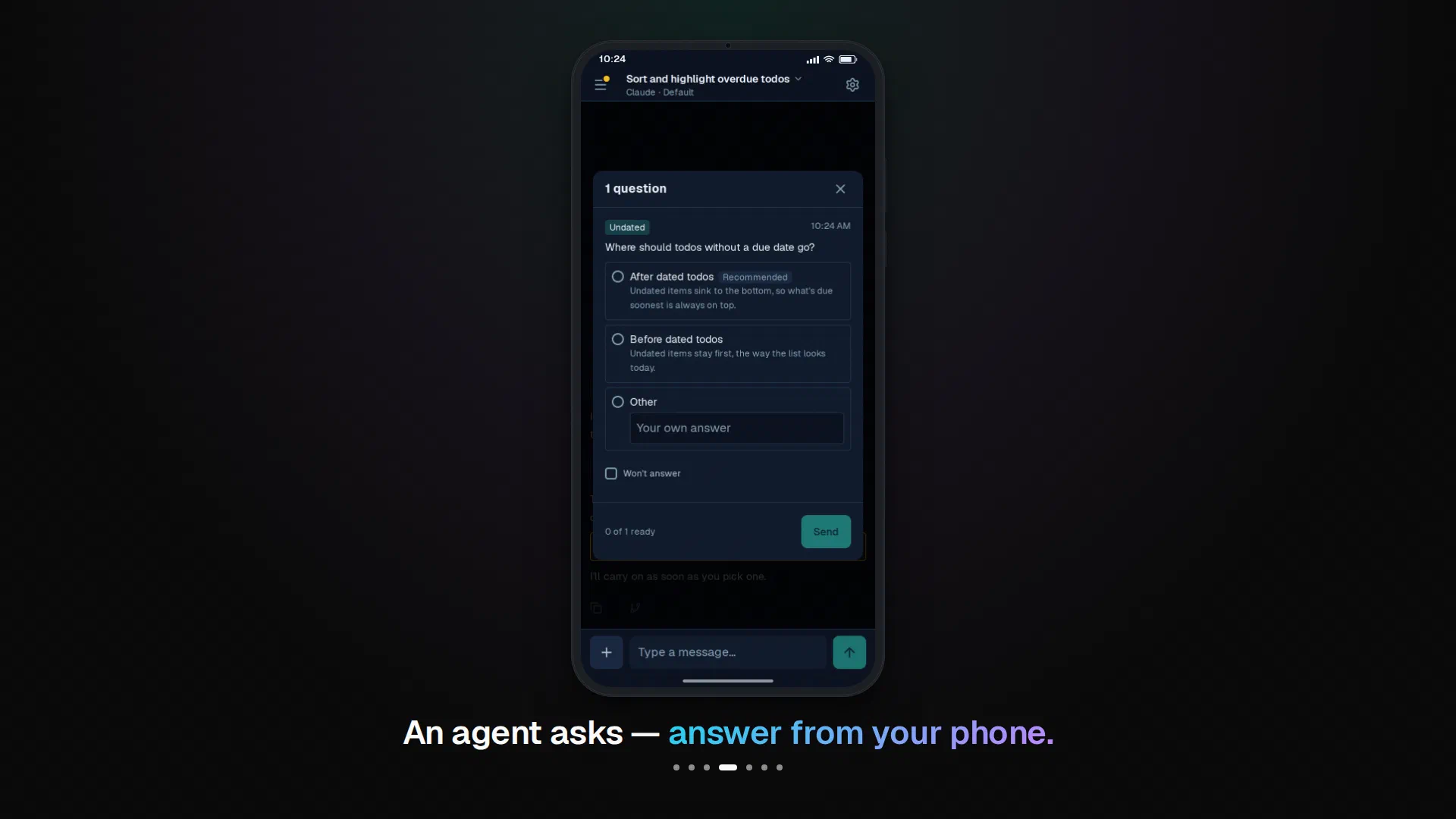
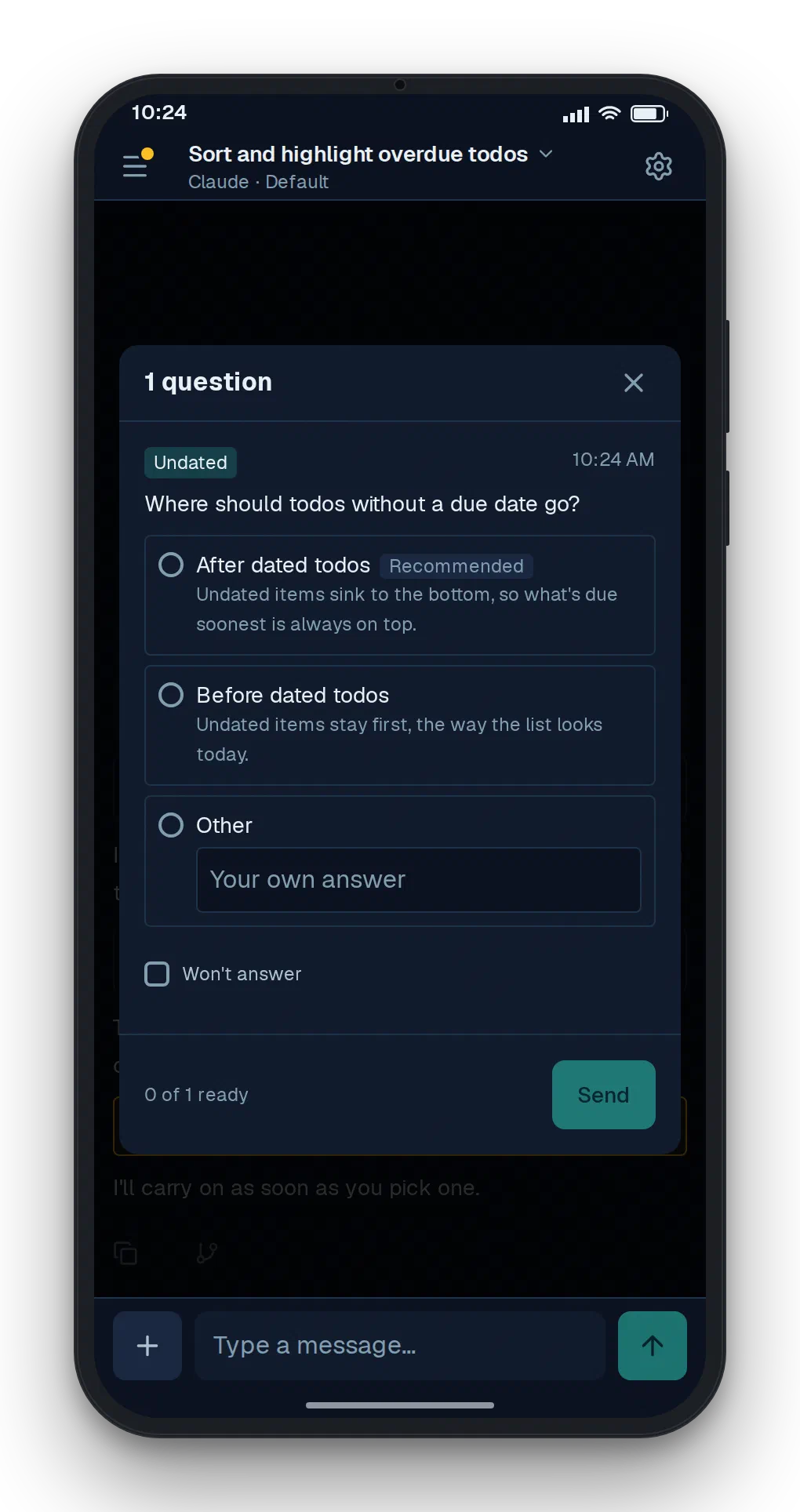
Stay in the loop
When an agent needs a decision, it stops and asks; you answer from anywhere.
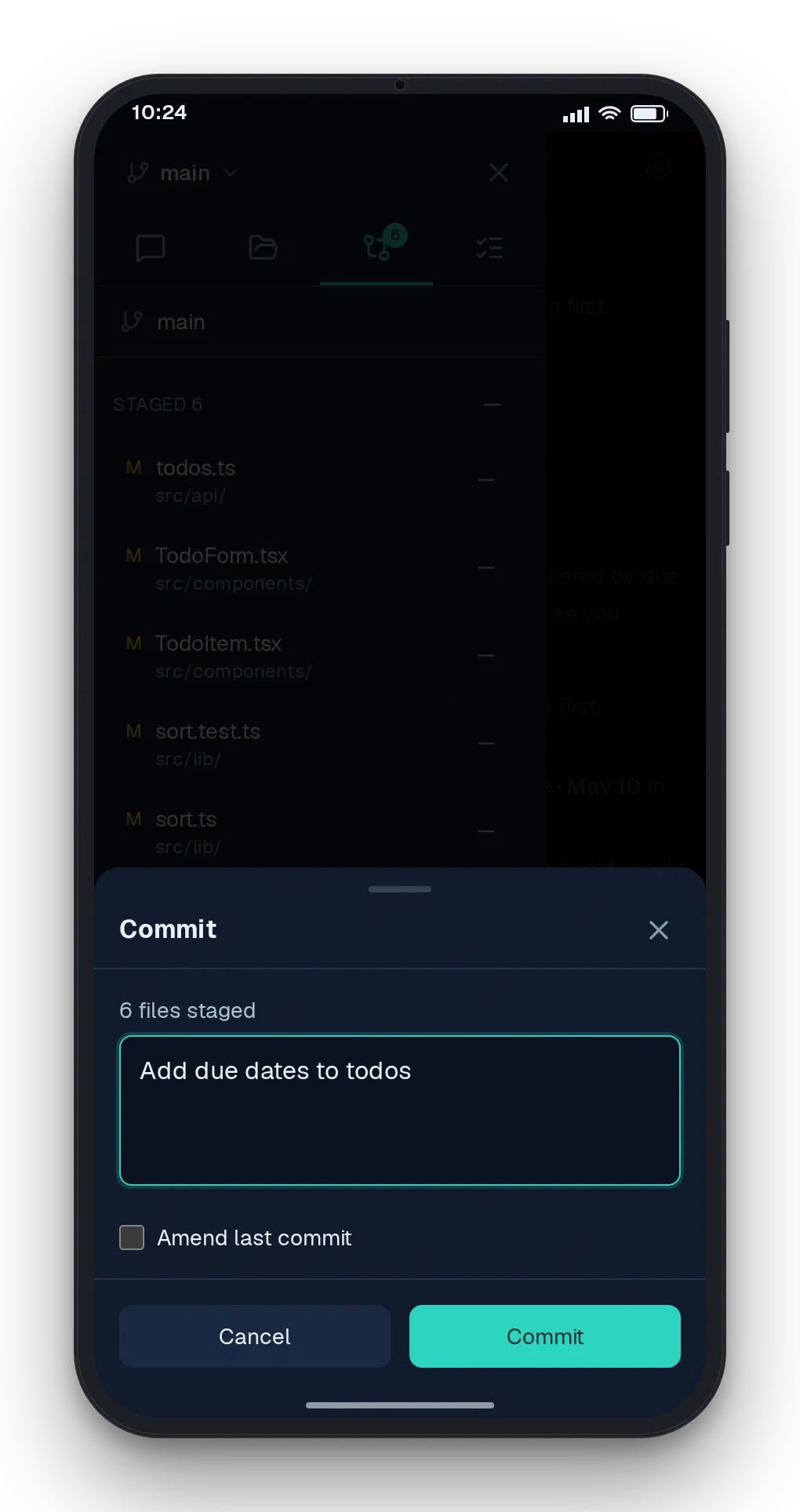
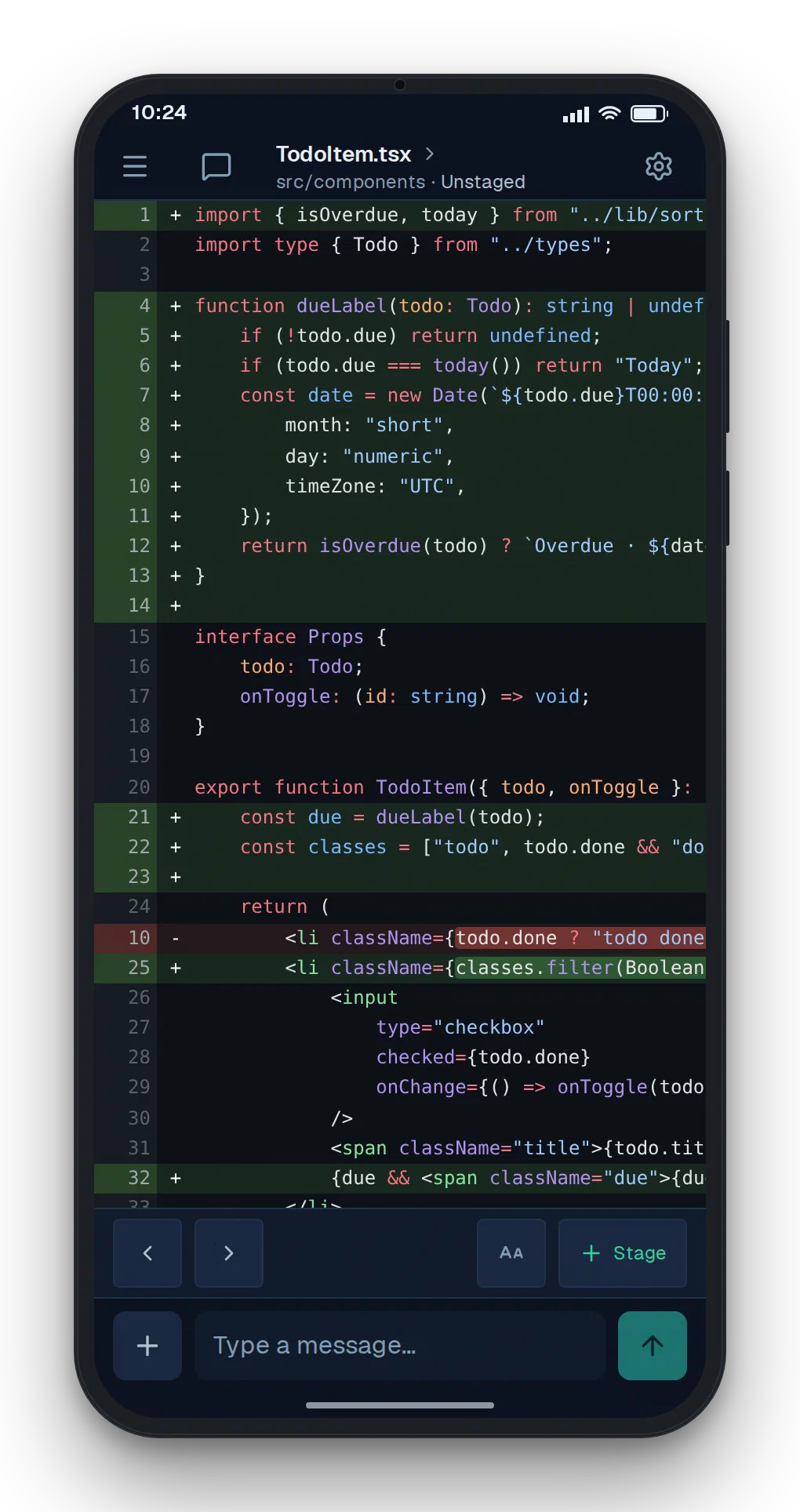
Review & ship
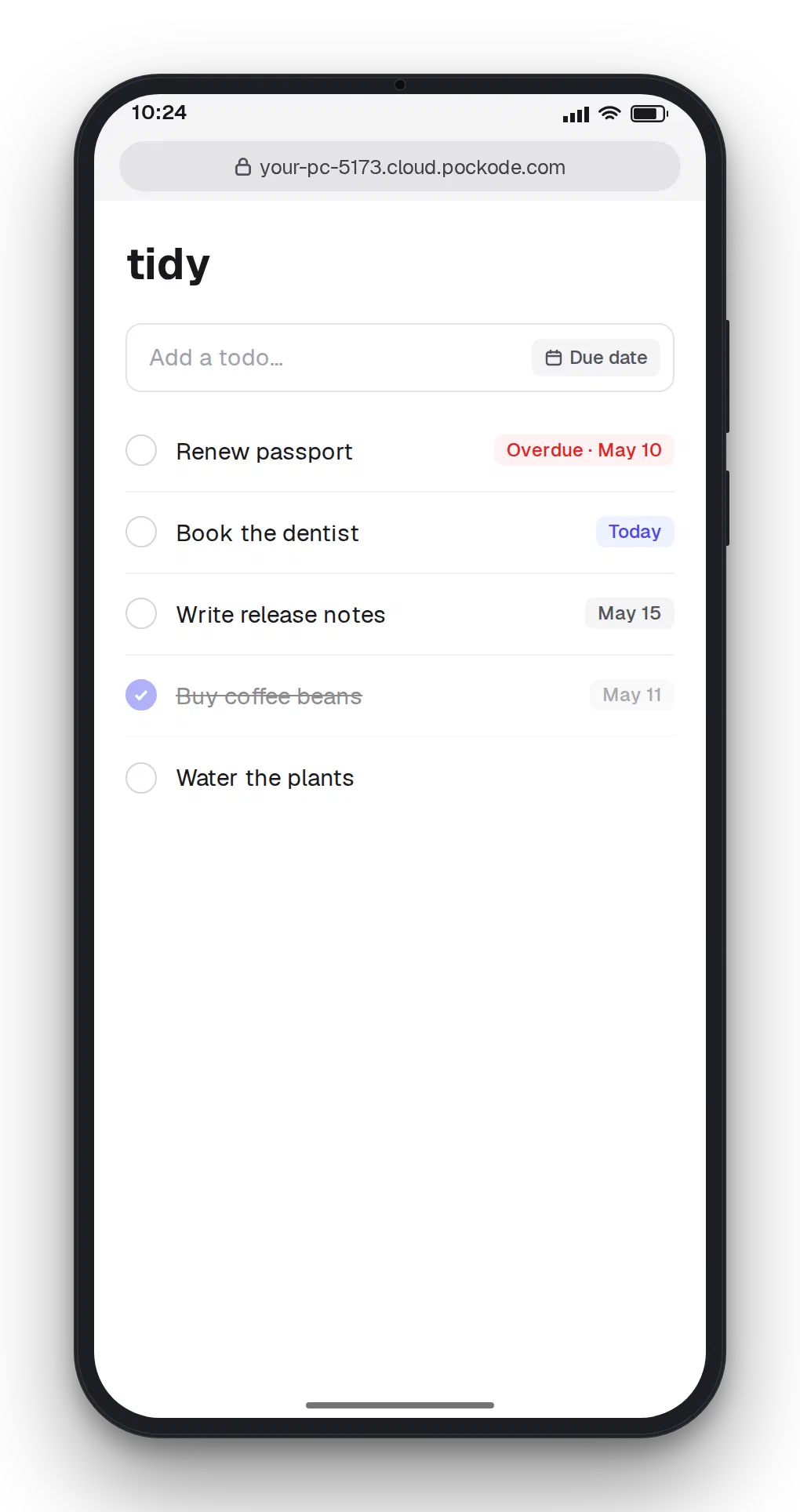
Read the diff, commit, and open your dev server on your phone with Port Preview.
Your machine
Pockode dials out from beside your project, so there is no port to forward.
- Your own
claudeorcodexCLI - TLS on both relay hops
-relay=falsekeeps the app on your network

Get started
Pockode drives the claude or codex CLI. Have neither? Install one and sign in from the app; that needs npm (Node.js).
Scan the QR code with your phone.
Questions
Does my code leave my machine?
Your AI CLI sends code to its provider, as it does without Pockode. Through the relay, traffic is encrypted on both hops, and its content is never inspected or stored.
Which agents does it work with?
Claude Code and Codex, with your own login and subscription. Pockode drives the CLI on your machine; if it is missing, install it and sign in from the app.
Do I have to open a port?
No. Pockode dials out to the relay. With -relay=false you connect over your own network instead, in plain HTTP.
Which platforms does it run on?
macOS (Intel and Apple silicon), Linux (amd64 and arm64) and Windows (x64, also on Windows 11 on Arm).
What is the license?
Source available under the O’Saasy License. You may use, modify and redistribute it, but not offer it to others as a competing hosted service.